How to Use Page Builders to Create Stunning WordPress Websites

Introduction
Have you ever wondered how to develop an excellent website with unique design and content and do not know the first thing about a programmers’ code? Well, that’s the charm of page builders then! These tools make it easy for anyone from the first-time user to working professionals and designers to make beautiful, functional WordPress sites quickly. There is nothing as easy as mastering the job of website designing with help of page builders that offer flexibility with features as well as ease from coding. So, let’s start the topic with deeper discussion about the page builders, how they can be useful for creating memorable and professional website.
What Are Page Builders?
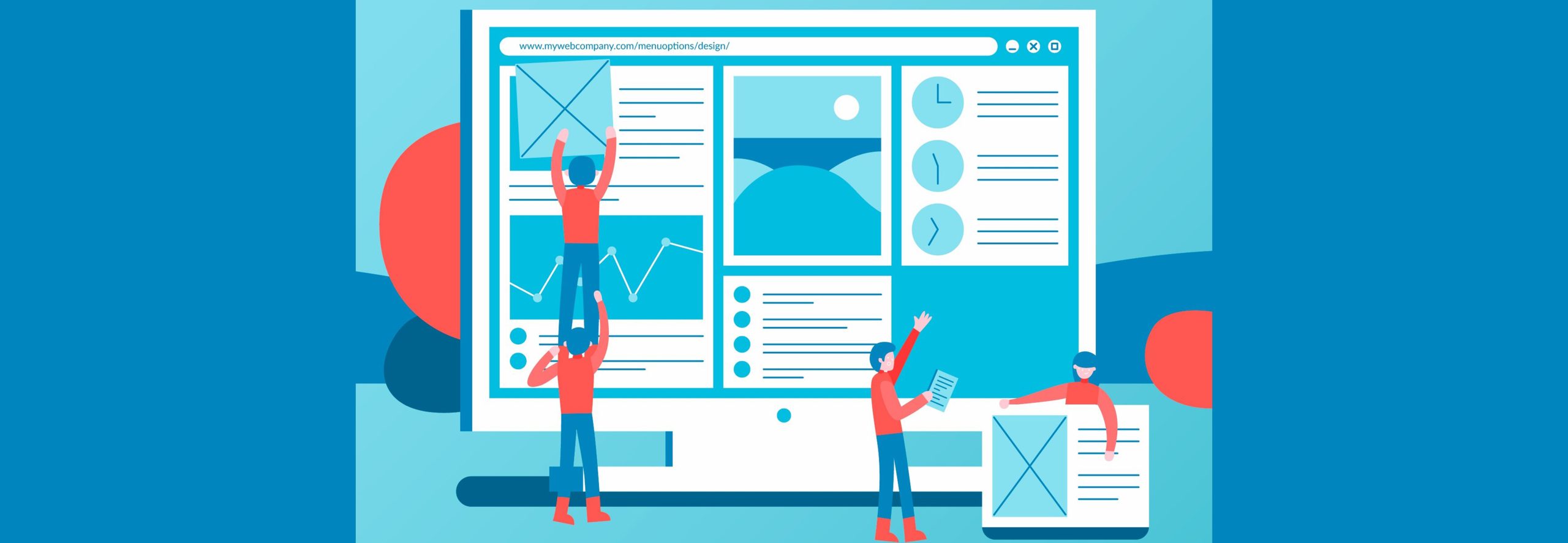
Page builders are plug-ins that allow for an easier creation of WordPress site. They offer the simplest quality to enable customers to drag specific items on the desired positions, further give an opportunity to include various design elements without coding. It also means that even if you do not have a developer you can build a professional looking website. Among the page builders, it is most used since it allows you to create beautiful and easily navigable websites.
Being a prominent website designer and developer, one may wonder why a Page Builder in WordPress?
Page builders offer a number of benefits for WordPress websites; we’ll look at some of the most important ones below: The answer is apparent and it is convenience and control of your environments that make a significant difference to keep healthy. Using a page builder, you have full control over how your website looks and feels, including the design, colors and fonts, etc. Secondly, most of the page builders come with optimization features, which ensure that one gets to develop the most complex design within a shortest time possible. They are fantastic for business owners, bloggers and anyone who wants a fancy website without the technicality work.
Most Favorite WordPress Page Builders
Depending on WordPress, there are several page builders that can be found, which all are different in the functions they provide. Let’s explore some of the most popular options, starting with the fan favorite: Elementor.
Elementor: The Most Popular Page Builder
Elementor is one of the most widely used plugins in the WordPress ecosystem, and there are a few decent reasons for that. It provides extent features like its drag and drop feature, templates, design tools among others. Elementor has a simple minimalistic design for almost any designer or developer as a beginner thus has advanced options for the professional or experienced designer. Also, it’s very flexible or generous allowing one to fashion every section of his or her site in a desired manner.
Divi: A Versatile Page Builder
Divi by Elegant Themes stands for flexibility and great number of options as for the site’s design. There is visual editor provided which makes you see the changes as you are implementing the design. Divi also comes with a huge selection of pre-made templates so that you don’t have start from a blank page and still have a professional looking website. Recommended for those who wish to develop unique, graphics intensive, professional web sites.
Beaver Builder: User-Friendly and Reliable
Another great page builder is called Beaver Builder, it is used quite often due to its simplicity and stability. It includes a rather basic drag-and-drop editor that will enable a complete newbie to start creating sites without any help. More famously, Beaver Builder is a stable plugin that can be easily installed on WordPress and does not cause any issues in constructing a reliable website.
WPBakery Page Builder
WPBakery Page Builder is a very versatile plugin that permits editing the content on the page both from the front and the back end. It is rich in design features and can boast of having virtually all the customization option a user may require. WPBakery is ideal for those who would like to build the layout of a website all by themselves, without code.
What to Look Out for When Choosing a Page Builder
While making a selection of the page builder, it means that one should consider significant options that make the page functional and easy to handle. Features such as drag and drop interface design, templates that can be easily customized, mobile and tablet compatibility and level of customization. The right features will help you to design your website in the exact manner that you wish.
Drag-and-Drop Functionality
Perhaps, the greatest advantage of working with the page builders is that everything can be moved around with the help of drag-and-drop feature. With this you can edit and even build your layout from the ground up by dragging objects to where you want them. Web design is as easy as fitting an jigsaw puzzle together; anyone can do it, even those who are new to such projects.
Pre-designed Templates
Almost all page builders accompany pre-built templates that you can optimize to your brand. Templates are faster to implement and also brings professionalism to your site from the word go. They are particularly helpful when you have no idea where to begin and could use some suggestions to kick start you off.
Responsive Design Options
In the today’s mobile first world, responsively encoded website have become very viable. Two of the most important features every page builder should include are responsiveness so that your website looks good regardless of the device a visitor uses to access it. Another highly useful feature for developing the interface and increasing the audience of users:
Customization Flexibility
There must be a certain degree of freedom when creating a website. Page builders have full flexibility where you can tweak anything from colors to designs and instrumentalities of the page to achieve your ideal preferences. This flexibility will mean your website can sport a genuinely one of a kind look and feel, enhancing brand differentiation.
A How to Guide to Web Design
Ready to start building? Here’s a step-by-step guide to creating a stunning WordPress website with a page builder:
Choose Your Page Builder: Choose a page builder of your prefer like elementor, divi or beaver builder.
Pick a Template: Begin with a pre-built template to provide your site an attractive appearance.
Customize Layout and Design: You can then customize the layout with the drag-and-drop editor, and confining to changing the color, font and space for components.
Add Content: Make sure that your pages are filled with relevant text, images and videos, which entity represents.
Optimize for Mobile: Make certain your site can also look good on other equipment.
Preview and Publish: You should check your work, edit it if necessary, make some last changes and launch your site.
Advice on How to Create a Pleasing Site for The Eye
He said that, with creating an engaging website, it is not all about the colours and styles. Here are some tips to make your site visually appealing:
Use High-Quality Images: Pictures are the first thing a visitor notices and therefore they should be bright and professional looking.
Maintain Consistent Styling: Always select your color scheme and ensure that it is consistent on all your web page.
Keep It Simple: Refuse to fill all free space with images, texts and other elements: the less there are, the better.
Use Readable Fonts: Choose the correct typefaces that are readable, and maintain the sizes of the texts.
Common Mistakes to Avoid
Using a page builder can be easy, but there are a few pitfalls to watch out for:
Overloading with Features: For the same reason, do not clutter your site with features; simplicity reduces the load time.
Neglecting Mobile Optimization: Mobile view should be checked at least once to ensure the site looks right on a mobile.
Ignoring SEO Basics: Check with an SEO plugin and scan for compatible elements to optimise the contents to the search engines.
Choosing Too Many Fonts: It is always wiser not to use more than two or three fonts when designing your brochure to avoid a looking cluttered.
Conclusion
Page makers are a revolution in website designing, as anyone can develop a beautiful website without programming skills. If you decide to go with Elementor or Divi, or Beaver Builder, all you will want for your site is inside those plugins. The page builder tools are extremely easy to use, because you can just drag the elements into the page and customize everything with essential options for responsive design. Therefore, if you are ready, go on and let’s start building the WordPress site of your dream right away!
FAQs
Is it necessary to get a paid version of a page creator?
The B2B versions come with numerous options, yet the free models are enough, but for additional templates, modules, and support, one has to switch to premium.
Is it possible to use a page builder when you reveal knowledge in computer programming?
Absolutely! Website builders are as easy to use as word processors, this means everyone can build a website using page builders.
Are the page builders detrimental to my website’s performance?
While some page builders do slow things down, with proper use, it is possible to get great performance even with images and chosen plugins.
Is any page builder compatible with all WordPress theme?
All of the current page builder plugins are compatible with most of the WordPress themes even though you should always check this to make sure.
Interestingly, can I change the page builder later to another one?
Relocating between different page builders is doable, though it can become troublesome at the occasion of formatting’s. Ideally should be the one that will suit you for the long run If you find that you are going through all your credit cards within six months, it is advisable to select the one that will meet your needs for a certain duration.
Sign Up To Get The Latest Digital Trends
Get free Consultation on Wordpress
Related Posts